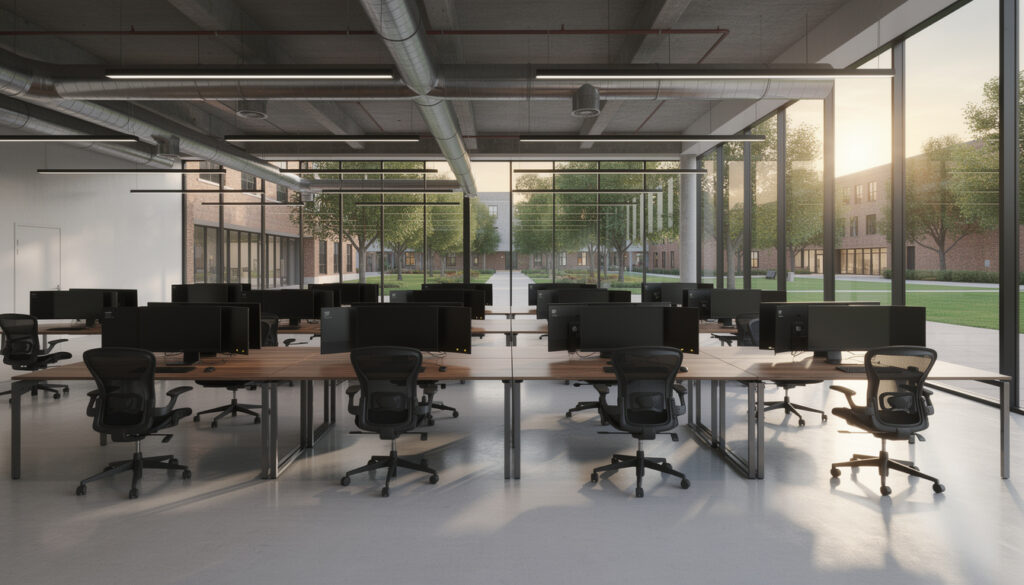
Education PC Power Management for Schools and Universities is the practice of controlling when campus computers sleep, shut down, and wake up from one central console instead of trusting thousands of individual settings. Academic institutions struggle with wasted power because labs, libraries, and offices sit idle for long stretches yet stay switched on, and nobody owns the settings across every building. Centralized management fixes that by pushing one set of rules to every campus at once. This guide covers policy configuration, wake-on-LAN deployment, maintenance coordination, fleet segmentation, and sustainability metrics.
Centralized Power Policy Versus Built-In Operating System Controls
Built-in operating system timers work fine on a single laptop. Across a campus, they turn into configuration drift. A technician disables sleep to fix a projector glitch, a professor sets "never" on an office desktop, and nobody hears about it. Endpoint power management with a centralized power policy replaces that guesswork with one rule set. The EPA's power management guidance lays out the baseline of short idle periods before sleep and earlier monitor shutoff, and a central console is what makes those settings stick.
Active Directory integration lets group-based policies follow the structure that already exists: departments, faculties, and individual lab rooms. Role-based access control (RBAC) gives a lab manager authority over one room while IT keeps global control. Audit logs record every setting change and override, which gives multi-campus institutions a clear paper trail when someone asks who changed what.
Core Capabilities Required for Campus-Wide Software
Remote execution, granular time-trigger rules, and support for both Windows and macOS machines make up the practical shortlist. Simple fixed timers fall short because campuses run on timetables. A proper scheduling engine can combine weekday, room booking, and semester calendar, while a basic timer only knows "after 20 minutes of nothing."
Tailoring Policies Across Computer Labs, Classrooms, and Mixed Fleets
A blanket rule breaks fast on campus. A device sleep schedule that suits a lecture hall at 3 a.m. can wreck a library on a late exam-week evening. Student computer lab PCs see constant multi-user turnover, so low-power sleep fits best, with quick resume and clean session resets. Faculty/staff endpoints follow irregular patterns and often need remote access, so longer idle limits and wake-on-demand work better. Computer lab scheduling gets easier when power states mirror room-booking systems and semester timetables, with machines waking before the first class and sleeping after the last.
| Environment | Idle timeout policy | Preferred state | Reason |
|---|---|---|---|
| Open-access library | Short | Sleep | Walk-up users expect fast resume |
| Lecture hall | Longer | Sleep, then auto shutdown after hours | Presentations pause for long stretches |
| Teaching lab | Timetable-driven | Sleep by day, shutdown overnight | Heavy turnover between sessions |
| Faculty office | Long | Hibernate on laptops, sleep on desktops | Irregular hours, remote access |
| Research workstation | Suppressed | Exempt | Long-running simulation jobs |
On hibernate vs sleep, hibernate writes memory to disk and draws almost nothing but resumes slowly, while sleep wakes in seconds and still sips power. Exam periods, student research projects, and simulations call for temporary exemptions. On-screen warning prompts with a snooze option let users delay an impending shutdown when work is underway.
Wake-on-LAN Architecture and Campus Network Troubleshooting
Wake-on-LAN (WoL) works by sending a magic packet, a frame that repeats the target network card's MAC address many times. On a flat network that is easy. Remote wake across multiple subnets and routed VLANs needs a relay, usually a client or server on the destination subnet that forwards a directed packet locally. Switches and routers must pass that traffic, and the network card must be set to listen. Microsoft's WoL documentation explains how Windows power states, NIC driver settings, and network configuration all affect magic packet processing.
Diagnostics for Wake Failures and Inactive Power States
Troubleshooting usually runs from the machine outward. Firmware comes first: BIOS/UEFI power options, plus ErP/EuP energy settings that cut power to the network card in low-power states. Fast startup is the next suspect, since a "shutdown" with it enabled behaves like hibernation and can change wake behavior. Then come driver settings that permit waking on magic packets only. Last is the network itself, where switch configuration, access control lists (ACLs), and disabled IP directed broadcasts quietly eat packets between subnets. Machines that refuse to sleep tend to trace back to stray wake timers, peripherals, or a user-level override.
Patching at 2 a.m.: Aligning Power Policies with Maintenance Windows
Power-down policies and overnight updates clash by default. A machine that is off cannot take operating system upgrades or third-party software patches. An automated maintenance window solves this: remote wake powers machines on during off-peak hours, updates install, required reboots run, and endpoints drop back to sleep or off without human help. Wake requests relayed through tools described in the Configuration Manager documentation fit this model well.
Missed endpoints are the awkward part. Laptops get unplugged and desktops get shut down by hand. A catch-up mechanism handles them by deploying pending updates during known idle periods, such as between timetabled sessions, and holding back anything that would interrupt a lecture or a student's unsaved work.
Common Rollout Mistakes and a Phased Path That Spares Academic Schedules
The most common mistake is switching on auto shutdown everywhere on day one. A safer roadmap starts with an audit-only discovery phase that measures what the fleet does without changing anything. A pilot in a few controlled labs comes next, and a full rollout follows once the rules survive real classes. Endpoint power management tools usually deploy through an agent, packaged with standard tools such as Intune, Configuration Manager, or Jamf, though agentless options exist for simpler monitoring and shutdown tasks, with less control over sleep states.
Communication matters as much as configuration. Faculty, researchers, and students respond better to a short notice explaining the idle timeout policy and how to request exemptions. Helpdesk playbooks cover the usual complaints: a machine sleeping mid-presentation gets a room-level timeout extension, and a file lost to auto shutdown gets checked against the warning prompt and autosave settings.
All the information awaits you at the following link: powerplug.ai.
Quantifying Savings: Power State Reporting, kWh, and Carbon Data
Credible numbers start with a baseline, meaning fleet consumption monitored before any policy is enforced. Theoretical savings calculators multiply assumptions; power state reporting shows what machines actually did. Continuous energy usage reporting tracks runtimes, active hours, sleep durations, and shutdown counts per group or room.
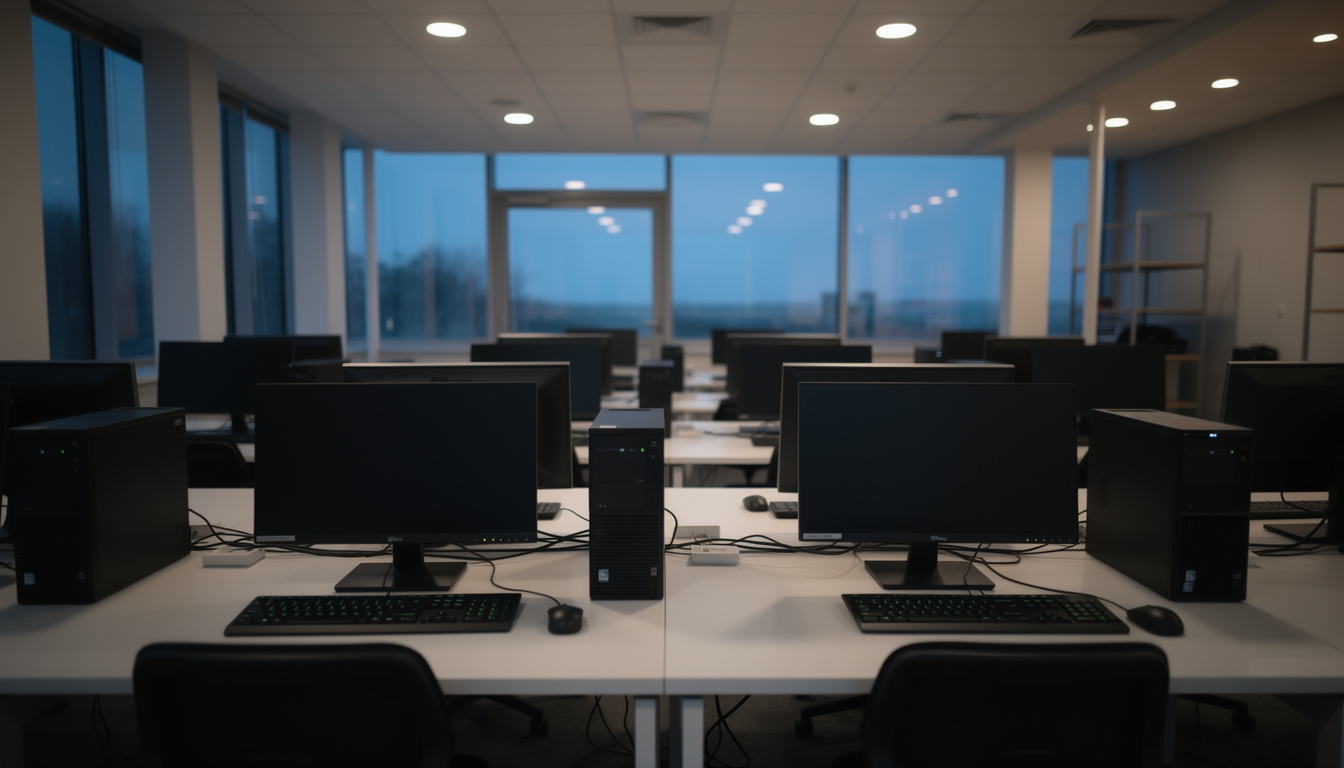
The math is simple. Idle hours saved, multiplied by the average watts drawn at idle minus the watts in the lower state, divided by 1,000, gives kWh savings. Multiplying by the local electricity tariff gives money saved. Multiplying kWh by the regional grid emission factor gives carbon footprint reduction figures, which sustainability committees can drop straight into university disclosures and green-goal tracking.
Assessing Long-Term Return on Investment
Total cost of ownership depends mostly on licensing, per-endpoint or campus site license, and on administrative overhead for setup and exceptions. Lower heat stress and fewer hours of continuous component wear can also stretch hardware lifecycles, which delays replacement budgets.
Does sleep mode interfere with software updates in labs?
Only when updates depend on machines being awake at random times. A scheduled maintenance window with remote wake handles patches while the fleet stays mostly asleep.
Why do some lab PCs ignore magic packets?
Usual causes include disabled wake settings in BIOS/UEFI, ErP/EuP modes that power off the network card, fast startup, and routers that block directed broadcasts between subnets.
Should faculty computers follow the same policy as student labs?
Rarely. Faculty and staff machines work irregular hours and often need remote access, so separate groups with longer idle limits fit better than a shared lab policy.
About the Business
PowerPlug provides PC power management software for medium to large organizations and enterprises. Its solutions help reduce PC electricity consumption by up to 70%, lower operational costs, and cut carbon footprint without disrupting user productivity or IT maintenance schedules. Features include advanced scheduling, Wake-on-LAN capabilities, detailed energy reporting, and support for mixed environments across businesses, healthcare networks, and educational institutions worldwide.